


A quote request is waiting for a reply. A job is held up, but the update is buried in an email. A customer has explained the same problem to two people.
These are useful places to look for AI automation in a small business: work where someone repeatedly has to read, piece together information, and decide what happens next. The aim is to give that person a clearer starting point, with less searching and retyping.
Here are three practical ideas: prepare inquiries for follow-up, turn scattered updates into an attention list, and get customer problems to the person who can resolve them. The examples below are hypothetical, not client results.
Repetitive work is usually the best place to begin
Start with a task your team already handles regularly. There should be recent examples to learn from and a result someone can check. Sending a form to the right person usually needs a rule, not AI. Reading an open-ended message and drafting a useful summary is where AI may help. Use each for the part it does well.

Turn a quote request into a clear next step
This suits service businesses where inquiries need interpretation before someone can prepare a quote: contractors, commercial service providers, agencies, and similar teams. The opportunity is to get a potential customer into a useful conversation, rather than leave them waiting while the team sorts out the request.
Imagine a commercial cleaning company receiving this website inquiry: "Could you quote weekly cleaning for our three offices? We'd like to know what you need from us."
Today, an office manager might copy the message into a customer record, forward it to an estimator, and write back for missing details. When the office gets busy, that preparation becomes the delay.
An improved workflow sends the form into the customer relationship management system, or CRM: the place the team tracks inquiries and customers. An assignment rule sends commercial cleaning requests to the estimator. AI reads the message, drafts a short brief, and prepares the questions needed to move forward, using the company's agreed quoting checklist.
The estimator could receive something like this alongside the original message:
Request: Weekly cleaning quote for three offices.
Still needed: Office locations, approximate sizes, and preferred start date.
Next step: Estimator to review and send the prepared questions.
The useful result is a request ready to act on. The estimator can check the brief and reply without rebuilding the conversation from scratch, while the office manager can see who is handling it. The system has not priced the work or promised availability; those decisions still belong to the business.
Keep the next action on the customer record after the reply, too. If the connection fails or nobody can take the inquiry, put it on a shared list with a named person responsible for checking it. That makes the workflow dependable beyond the first email.
To judge whether it helps, track time to a useful first response and inquiries left without a next action. Count time spent correcting drafts. Our automation systems work focuses on this complete handoff, not just producing the reply faster.
A weekly brief that shows what needs your attention
For an owner managing several jobs, customers, or team members, the hard part of reporting is often finding the exceptions. Which quote needs a follow-up? What is holding up a job? Which customer issue needs a decision from you?
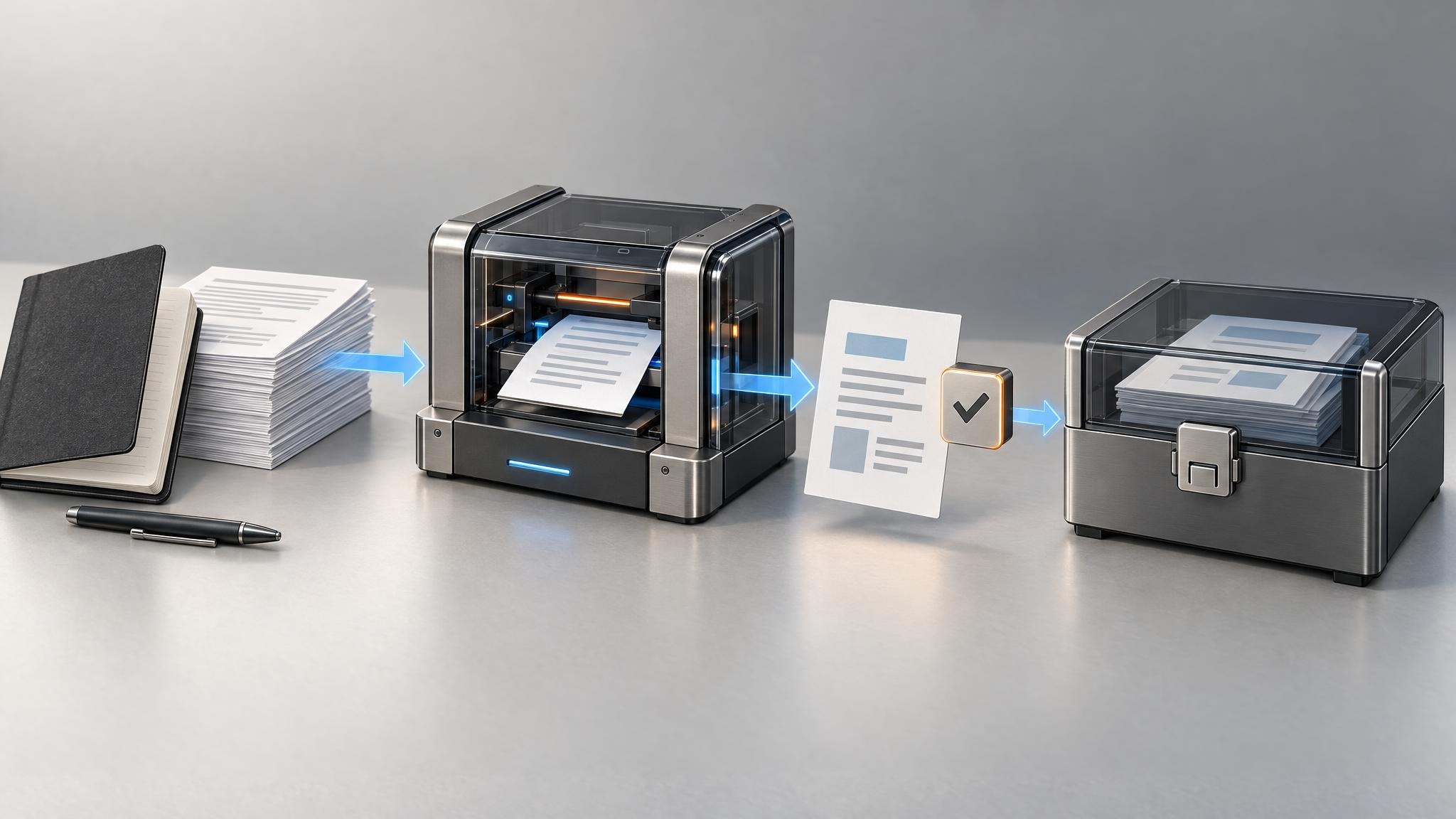
Without a clear view, you might open the sales tracker, read job notes, and ask the team for updates before you can decide where to focus. A short attention brief can bring those loose ends together in the place you already review the business.
Consider a hypothetical installation business. Its customer tracker contains quotes and follow-up dates, its job board records blocked work, and its support list identifies unresolved issues. The automation collects records that meet agreed rules, such as a missed follow-up date or a job marked as waiting. AI turns the relevant notes into a concise explanation of what needs attention.
A sample brief might read:
- Quote follow-up: An office installation quote has passed its follow-up date with no response recorded. Sales owner to check the conversation and contact the prospect.
- Job delay: A scheduled installation is waiting on a replacement part. Operations owner to confirm availability before committing to a new date.
- Customer decision: A customer has requested work outside the agreed scope. Owner to review the request and decide whether a revised quote is needed.
Each item links to its original record and shows when the information was last updated. The owner can open the relevant detail, make a decision, and assign the next step instead of asking everyone to reconstruct the week. This is an action list, not another report to file away.
The important limit is the quality of the source records. "No response recorded" is not proof that nobody replied. Missing or stale information should be visible in the brief, not filled in by the model. Keep totals and date calculations in the spreadsheet or business system that owns them; use AI to explain the selected information.
Check whether preparing and reviewing the brief takes less effort than the current routine, and whether the flagged items lead to useful decisions. If you already have this view in your existing software, a scheduled report may be enough. AI earns its place when interpreting scattered written updates is the part slowing you down.
Get customer problems to the right person with the right context
This idea is most useful when enough customer messages arrive that someone regularly sorts or forwards them. Unlike quote follow-up, the job here is to resolve a problem for someone who already bought from you. Passing a message along is not much help if the next person has to start the investigation again.
Imagine a retailer receiving: "My order arrived, but one item is missing. I need it for an event this weekend." A general inbox can leave that message mixed in with routine product questions, even though it needs an order check and a timely decision.
An AI-assisted step can identify the reported issue and the customer's stated time constraint. If the order can be reliably matched using the business's normal checks, the workflow attaches its details and routes the case to the support person responsible for missing items. Otherwise, it prepares a request for the order information.
The support person could see this hypothetical handoff:
Issue: Customer reports an item missing from a delivered order.
Time constraint: Needed for an event this weekend.
Check next: Confirm the affected item, review the shipment record, and check available options before replying.
That gives the person handling it a useful starting point and keeps the customer's original explanation attached. They can investigate and respond with the context in front of them, rather than ask the customer to repeat the story.
Let the workflow flag a possible urgent issue, not decide refunds, promise stock, or invent company policy. Messages with conflicting details or several problems should reach a person for review. With a small inbox, simply improving the shared inbox and assignment process may be the better choice.
Test this against past requests: did it direct them to the right person, and did it catch genuinely time-sensitive issues without making everything urgent? Include the time spent fixing incorrect suggestions. The goal is a better path to resolution, not just a neatly sorted inbox.
Human review and privacy are part of the workflow, not add-ons
Across these examples, a few shared safeguards make the work easier to trust and maintain:

- Keep a person accountable. Name who checks drafts, handles uncertain requests, and keeps the rules or reference material current. Review should happen before a customer commitment or consequential decision.
- Keep the evidence close. Show the original message or record beside the summary. A reviewer should not have to search several tools to check what the system says.
- Limit the information involved. Use only the data needed for the task. Check the chosen provider's access, retention, and data-use settings before connecting customer or internal information.
- Make failures visible. A failed connection or uncertain answer needs a named person and a practical way to continue manually. Document how to pause the automated step.
The NIST AI Risk Management Framework and its supporting resources offer a broader way to assess and manage AI risks. For a small workflow, the practical questions are what could go wrong, who would notice, and how the team would respond.
Check the actual product and plan you intend to use, not a general assumption about AI privacy. For example, OpenAI's security and privacy information is a starting point for reviewing that provider. And keep claims about the workflow grounded in what you have tested; the FTC's AI resources are a useful reference when evaluating broad AI promises.
Use the tools you have before adding another place to work
Check your CRM, help desk, or reporting software first. Its existing forms, assignment rules, reminders, and reports may handle most of the job. A useful improvement does not need a new app attached to it.
A connected build becomes worth considering when information needs to cross tools, the team keeps re-entering it, or important exceptions are hard to see. That might mean a small connection between systems, an AI step that prepares information, or a clearer screen for the person managing the work.
Our AI systems approach starts with that business need. Where visibility is the problem, custom applications and dashboards can bring the work together without replacing every tool underneath it.
Include review time, software costs, and ongoing upkeep when weighing the options. The right solution should make the team easier to support, not leave someone maintaining a process they do not understand.
Choose the handoff that would make the biggest difference
Look at one recent quote request, operating update, or customer problem with the person who handled it. Where did they spend time searching, copying, or waiting? Write down what they needed to receive to take the next useful step.
Test a proposed improvement on past examples, including a few awkward ones, before connecting it to live work. Compare the full effort with today's process. The SBA's small-business AI guidance also recommends starting small and testing the value.
That is the thinking behind our process: understand the constraint, build what fits, and check whether it helps. You do not need to automate all three ideas. You need one change that is worthwhile for the people running your business.
Have a recurring handoff that gets stuck? Bring that workflow to PixelPrecision. We can help map what should happen next and decide whether it needs a clearer process, ordinary automation, or a carefully placed AI step.