


A low conversion rate doesn't tell you what to fix. It can reflect a different mix of visitors, an advertised product someone can't actually buy, or a checkout that fails after they've decided to order. Those situations call for different work.
Before buying more traffic or commissioning a redesign, establish whether the customer you attracted has a real opportunity to buy the item you promised. Then find where that opportunity breaks. More visits won't restore a missing size, and a new page layout won't repair a shipping rule.
Here's how to separate those problems, including a reason a falling conversion rate can be less alarming than it looks.
Confirm whether sales are missing or the report is incomplete
A store order, a successful payment and an analytics purchase event are related records, not interchangeable proof. An unpaid order can exist; a paid order can be missing from analytics.

For one defined period, check orders against their payment status, then match confirmed orders to recorded purchases using order or transaction identifiers where available. Use consistent dates and time zones, and separate test, unpaid, canceled and refunded orders. Delayed payment methods need their own distinction between accepted and paid.
If paid orders aren't appearing in analytics, ask your developer to check collection against Google's ecommerce measurement documentation. Installing a tag doesn't establish that product views, cart additions, checkout and purchases are recorded correctly. Keep this check bounded: investigate reporting, but fix any reproduced purchase-blocking fault in parallel.
Your conversion rate can fall while orders rise
Suppose more people start reaching your store through an advice article. Those visits may have a lower immediate order rate than visits entering through a product page. The overall rate can fall simply because the balance changed.
These are hypothetical teaching numbers, not benchmarks or client results. The two entry-page groups don't overlap, and each purchasing session produces one order.
Hypothetical traffic mix: neither group performs worse
| Sessions entering through | Period A | Period B |
|---|---|---|
| Product pages | 1,000 sessions x 4% = 40 orders | 1,000 sessions x 4% = 40 orders |
| Advice pages | 1,000 sessions x 1% = 10 orders | 4,000 sessions x 1% = 40 orders |
| Overall | 50 orders / 2,000 sessions = 2.5% | 80 orders / 5,000 sessions = 1.6% |
Orders increase from 50 to 80. Both groups keep the same rate. Yet the overall rate drops from 2.5% to 1.6%, because advice-page visits now account for a much larger share.
If you only looked at the overall number, you might conclude the store had become harder to buy from. The example gives you no evidence of that. It gives you a reason to compare equivalent groups before paying for a redesign or cutting a channel.
Start with sessions entering through the same important pages and sources. Check device and served region if they could explain the difference. Google's Landing page report guidance covers entry pages, which aren't necessarily the product pages people visit later.
An entry page suggests a task; it doesn't reveal someone's private intent. These comparisons also don't prove a channel's return on investment. Their job is narrower: to tell you whether the group you're comparing has changed.
Follow the exact product choice through a mobile purchase
Now test whether an interested visitor can complete the purchase you invited them to make. Start at an entry page represented in your traffic, use a relevant mobile browser and stay signed out. Your saved address and knowledge of the catalog can conceal problems a new customer faces.
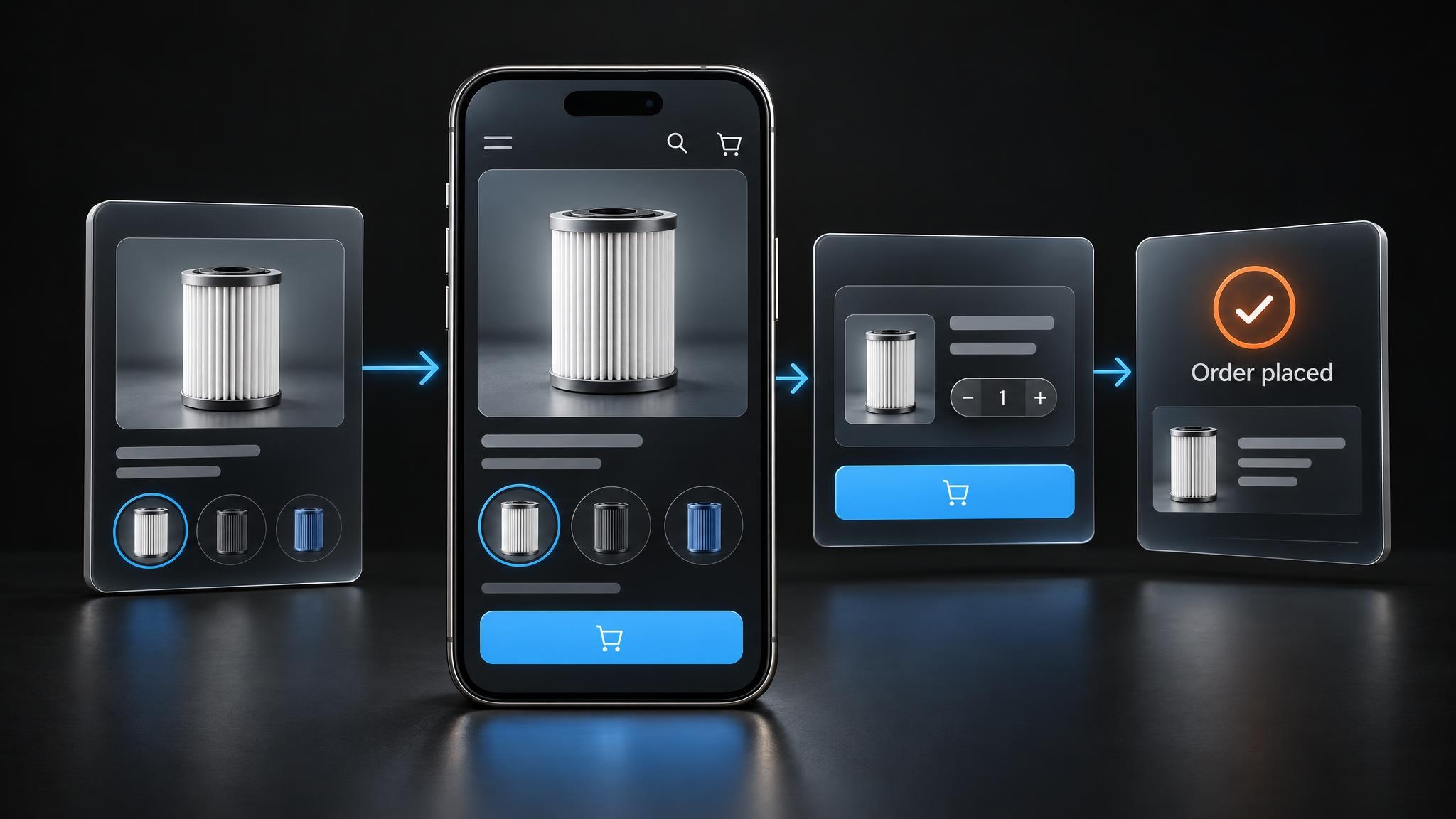
Imagine a hypothetical apparel store advertising a navy dress. A shopper wants medium. Can they find that exact dress, select navy and medium, and see whether the combination is available? Add it to the cart and change the quantity. Check that the size, color and price remain correct.
"In stock" at the product level isn't enough. Other sizes may be available while navy in medium isn't. Even stock for that exact variant doesn't establish that the store can fulfill it to the shopper's address.
- The advertised variant is unavailable: review the offer and the inventory information feeding it. A working selector can't make missing stock purchasable.
- The variant is available but can't be selected: reproduce the mobile control failure for the developer.
- The page shows medium but the cart contains small: repair the selection-to-cart behavior. More persuasive copy won't fix the wrong item.
Useful evidence is specific: "On this phone and browser, navy and medium are selected on the dress page, but the cart shows navy and small." Record the product URL and steps. Remove personal information from any supporting recording.
There is another possibility: the controls work, but the shopper can't decide. A size label doesn't explain garment measurements. A photograph may not communicate fabric weight or feel. Existing product questions, support messages and return reasons can reveal the information buyers keep needing. Verify those facts, then put the answer near the choice it affects.
These are different jobs. Product information helps someone make a decision; a technical repair lets them carry it out. Our conversion rate optimization work starts with that distinction, not an assumption that every underperforming page needs a new design.
Continue with an address the store claims to serve. Inspect the available delivery service, total, delivery promise and payment options for that exact cart. Check that an error explains how to continue without losing information already entered. After a supported test checkout, confirm the expected order and payment state, customer confirmation and handoff to fulfillment.
For Shopify, follow its test-order instructions. Customers can't place live orders through payment providers while those providers are in test mode. Coordinate the test, prevent unintended fulfillment and restore live settings promptly. Don't request customers' full card details to investigate a failure.
Check the delivery conditions for the cart your offer creates
Shipping depends on more than whether a product is available. The selected variant, fulfillment location, destination and rate conditions have to work together for the same cart.

Continue the dress example. Compare an ordinary cart with the same cart using the advertised discount, keeping the variant, quantity and address unchanged. A discount can lower the total used to determine eligibility for a price-based shipping rate.
For a hypothetical configuration, suppose the only intended rate for a destination covers discounted item totals of $100 or more. A $110 cart qualifies. Apply a 20% discount and the item total becomes $88. If no other rate covers that amount, the offer has exposed a gap in the configuration. The discount didn't make the buyer less interested; it changed whether the checkout could offer delivery.
This is a configuration example, not a claim that every discount breaks shipping. Shopify's shipping-rate troubleshooting guidance explains checks for rate conditions, destinations and fulfillment settings. Give the person responsible the exact cart, destination and discount, rather than a report that "checkout seems broken." After a change, repeat those conditions and confirm the intended rate appears.
A correct charge revealed too late is a different problem. Explain the calculation earlier, offer an estimate from information the shopper can provide, or reconsider the offer if the economics support it. A wrong or unavailable rate needs configuration work. A valid but unexpected charge needs a communication or commercial decision.
Be equally precise about timing. Dispatch is when the order leaves you, not when it arrives. Show confirmed information, explain what depends on the selected service or destination, and make applicable return conditions accessible before commitment.
Match the evidence to the next action
A drop between shopping steps tells you where to investigate, not why somebody left. Use the evidence to choose the kind of repair.
Storefront diagnosis: observations that change the next action
| Observation | Evidence to inspect | Next action |
|---|---|---|
| Paid orders exceed recorded purchases | Matched order IDs, payment states and purchase events for the same period | Explain the reporting difference before treating the recorded rate as a sales problem. |
| The overall rate falls as visits grow | Rates within comparable entry-page and source groups | Separate a traffic-mix change from deterioration within a group. |
| The shopper can't choose an appropriate available option | Advertised variant, actual availability and recurring product questions | Align the offer with stock, or supply verified information needed to choose. |
| The selected item doesn't reach the cart correctly | Reproducible mobile steps and actual cart contents | Repair the failing behavior and retest the same path. |
| A correct cart can't complete checkout | Exact cart, address, discount, shipping eligibility and payment errors | Correct the evidenced fault; distinguish it from a valid charge communicated late. |
If you use GA4's Purchase journey report, check which steps and users it includes. Don't compare raw event counts with sessions or people as if they were the same measure.
Repair a demonstrated blocker before testing a redesign
A small store doesn't need an A/B test to justify fixing a selected medium turning into a small in the cart. Reproduce the problem, repair it and repeat the test through the order handoff. That establishes the defect was corrected. A claim that the repair increased sales needs separate evidence; a before-and-after total can also reflect stock, promotions or traffic changes.
The same discipline helps with less obvious changes. If fit information is missing, verify it and make it usable where someone selects a size. If a rate condition excludes a valid discounted cart, correct the configuration. Choose an acceptance test that matches the problem instead of treating every change as a redesign experiment.
At PixelPrecision, our diagnosis-to-implementation process connects the commercial question to the technical work. The useful starting point is the purchase the customer came to make and the first demonstrated obstacle to completing it.
If that path is unclear, ask us to review it. Bring the product URL, intended choice and observed behavior. Those details tell us far more about the right next step than the conversion rate alone.